

STL Buddy LogoVirtualStagingAI
Virtual Staging AI for Realtors & Designers

Upload a room photo and instantly add furniture, remove clutter, or fully remodel interiors with cutting-edge AI technology.

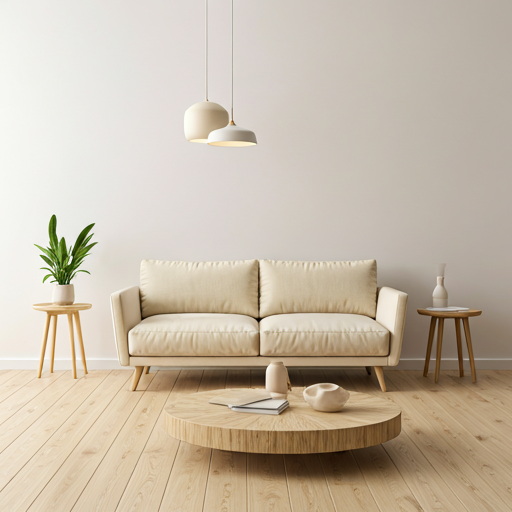
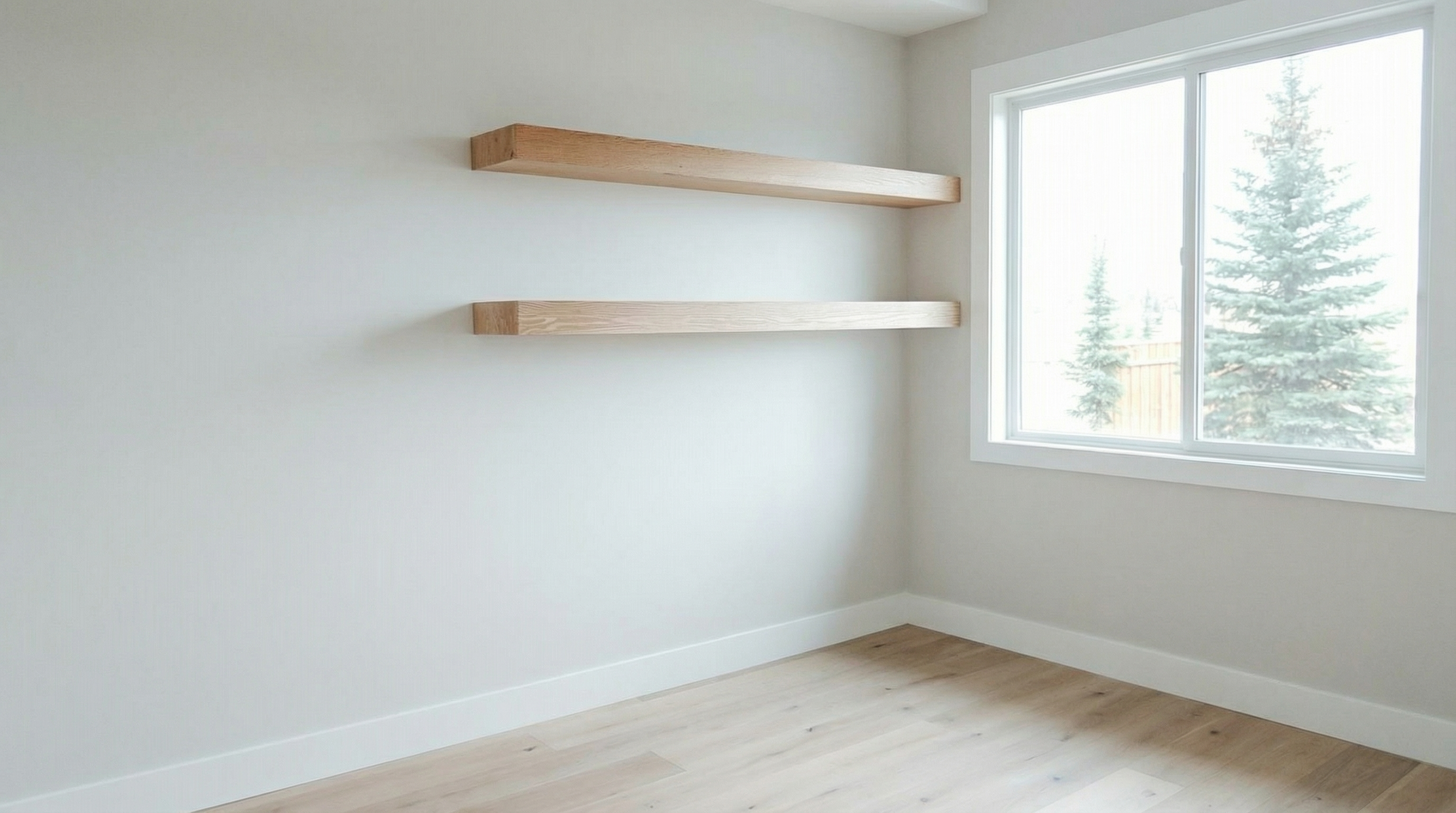
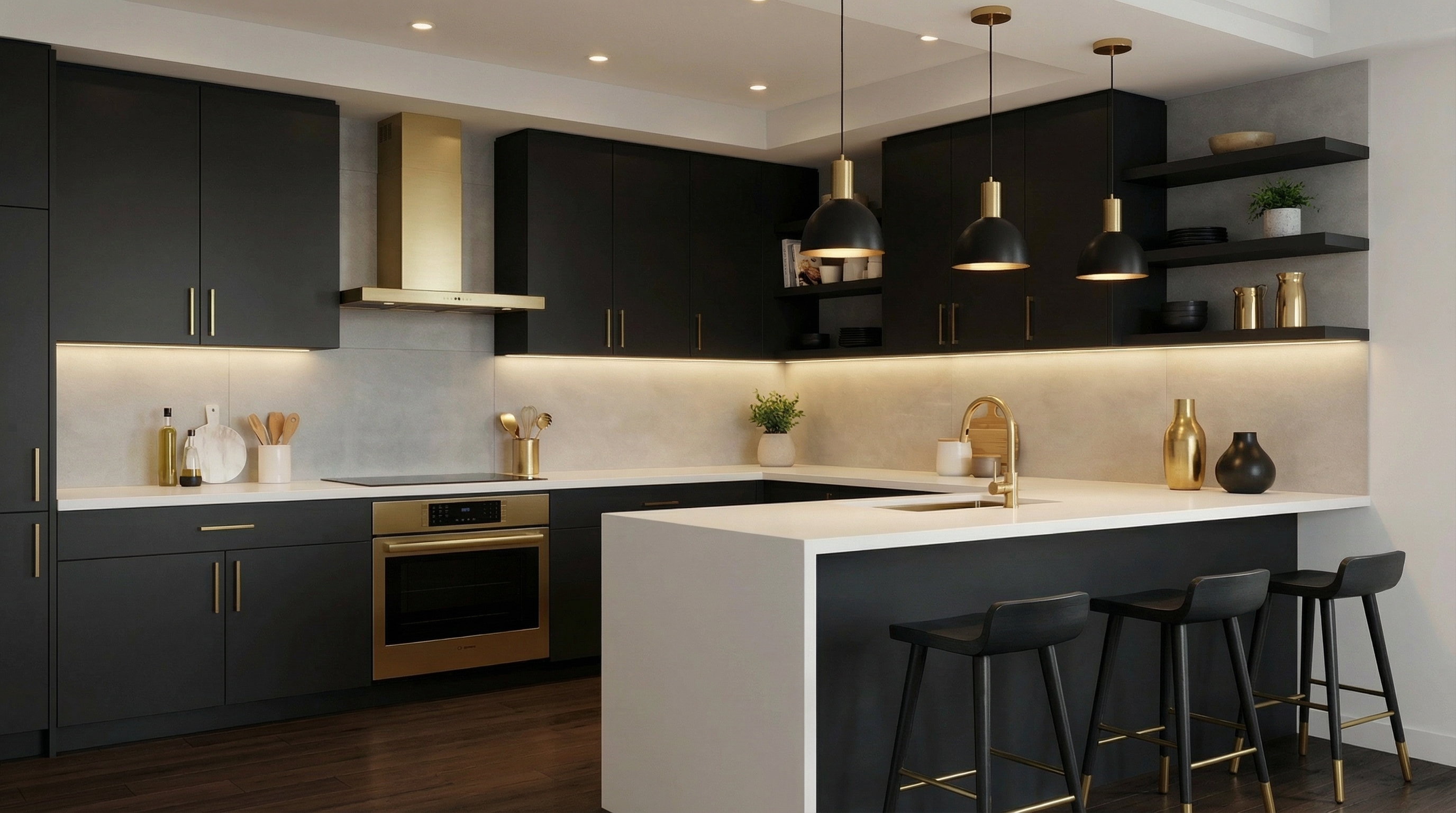
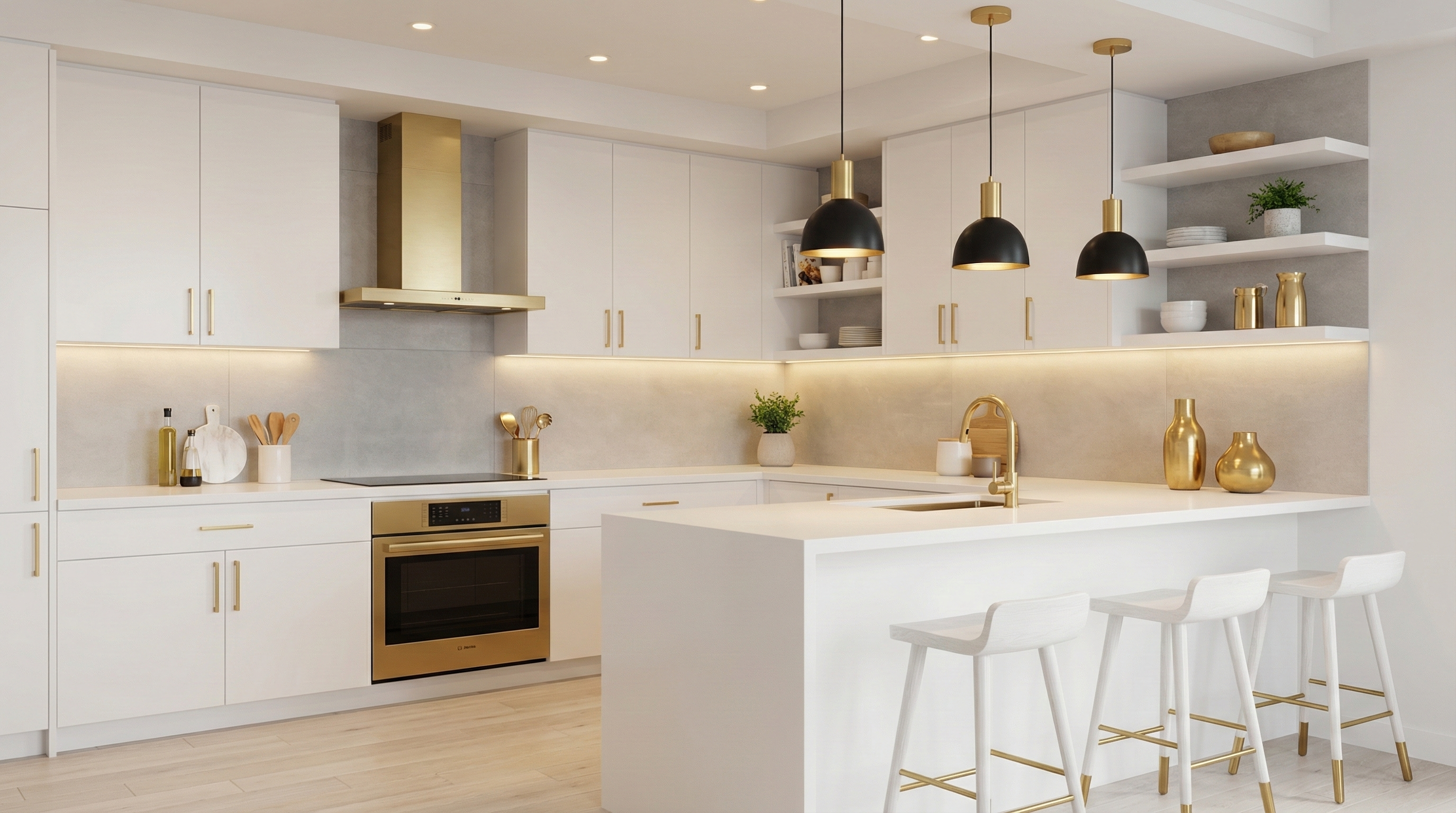
3D rendered model illustrating AI-powered virtual staging transforming a room photo into a stylized interior design.
AFTER
3D rendered model illustrating AI-powered virtual staging transforming a room photo into a stylized interior design.
Before

What Virtual Staging AI Can Do

See before and after AI transformations. Press and hold images to explore the staging magic.

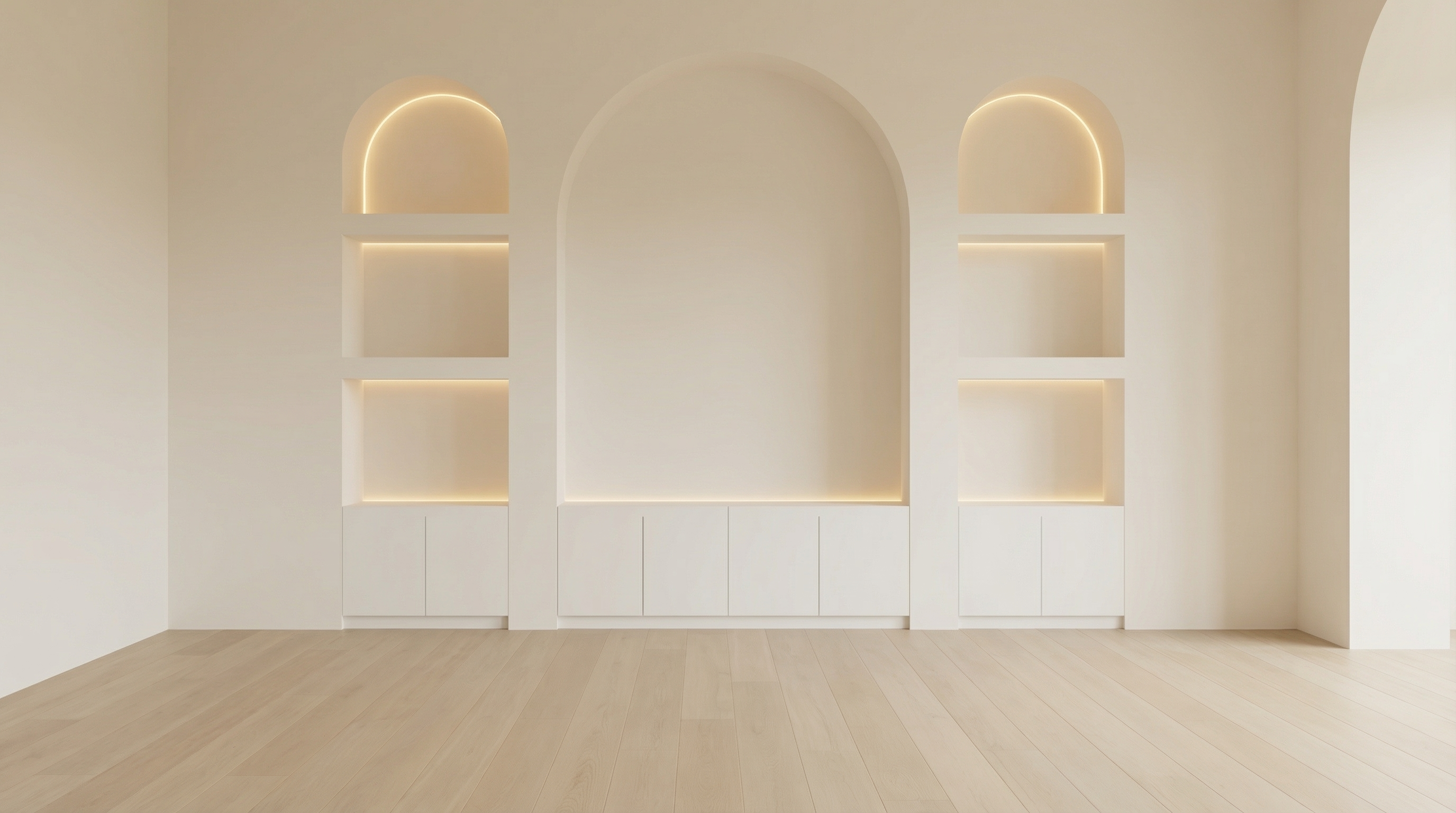
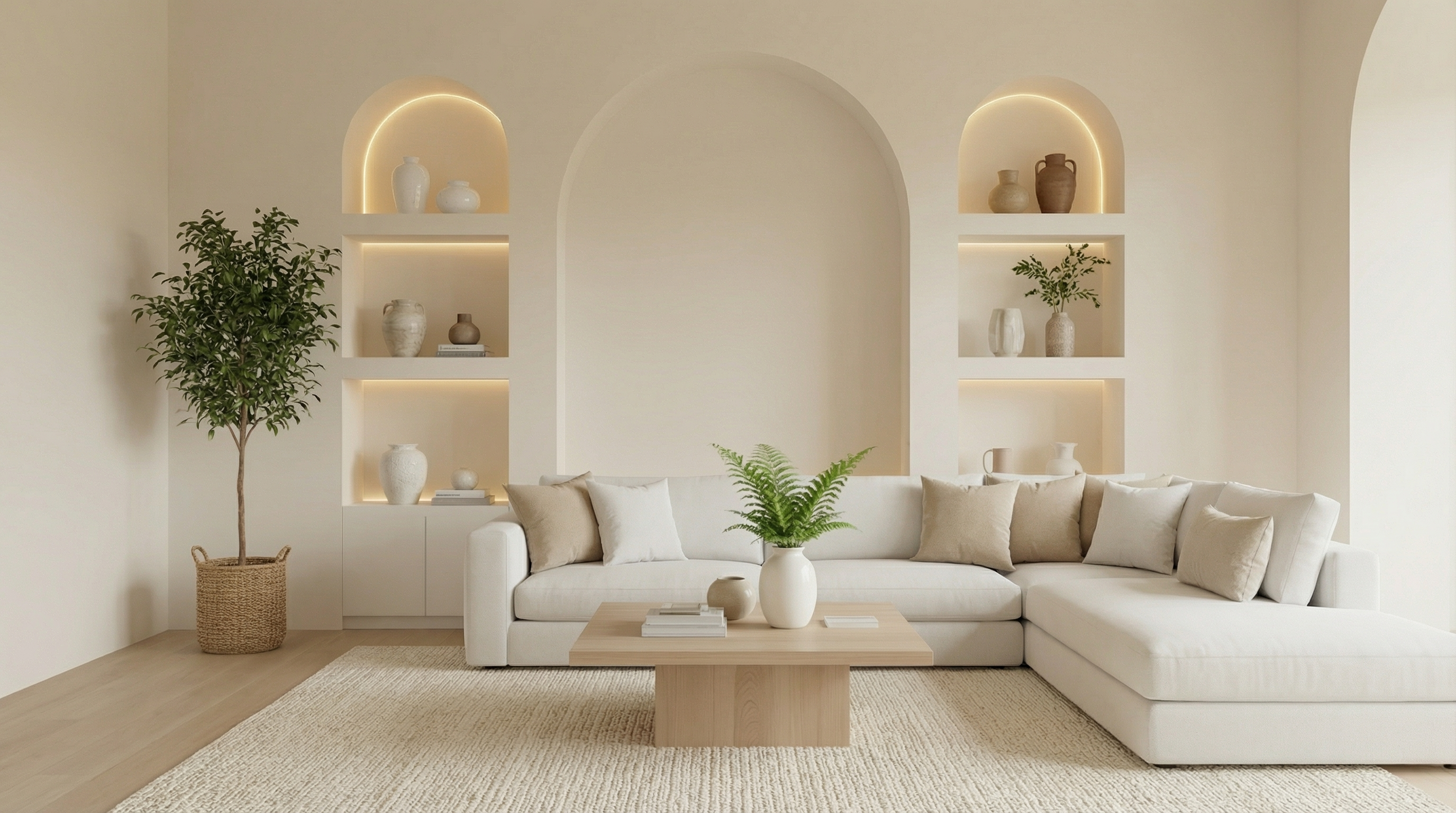
Empty minimal living roomFurnished minimal living room
Press & Hold
New

Add Furniture

Fill empty rooms with photorealistic furniture sets using AI staging.

Empty minimal living roomFurnished minimal living room
Press & Hold

Remove Furniture

Automatically remove clutter and furniture for a clean staging look.

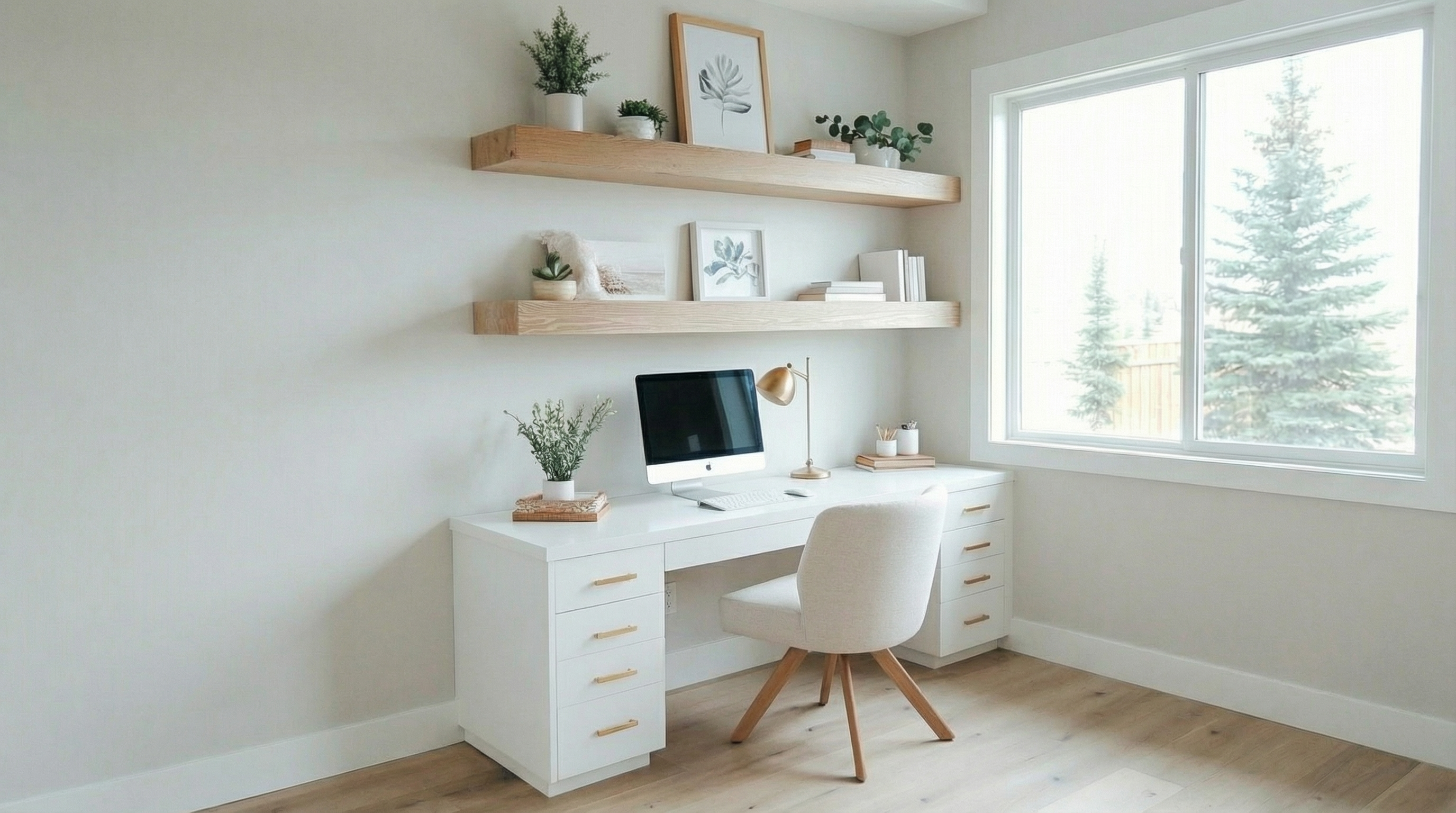
Empty minimal living roomFurnished minimal living room
Press & Hold

Full Remodel

Reimagine interiors with AI by changing floors, walls, and overall style.

Get Started with AI Virtual Staging

Drag and drop your empty room photo below. Choose your staging style and see photorealistic furniture added in seconds.

Drag & Drop Your Room Image

or click to browse

JPEG, PNG, WEBP – up to 30MB

Choose Your Virtual Staging ActionSelect how you'd like AI to transform your room photo
Add Furniture

Automatically add realistic furniture sets to empty rooms.

Remove Clutter

Digitally declutter and remove unwanted items from your photo.

Full Remodel

Redesign floors, walls, and layout styles with AI.

Why Use Virtual Staging AI?

Speed, cost savings, and photorealistic results tailored for real estate

  • Fast & Affordable Generate stunning staged photos in seconds, often at under $1 per image, saving thousands over physical staging.
  • Browser-Based & Easy Use any modern browser—no downloads or bulky software required.
  • Photorealism & Accuracy Our AI models preserve lighting, shadows, scale, and depth to create realistic staging.
  • Flexible Design Options Experiment with styles, remove clutter, or remodel rooms without extra cost or time delays.

Perfect for Real Estate & Design Professionals

Quick solutions for high-impact property visuals

  • Real estate agents needing fast staging to increase listing appeal.
  • Photographers offering AI-powered staging as an added service.
  • Interior designers previewing styles and layouts remotely.
  • Homeowners preparing FSBO listings with attractive, realistic photos.

Tips for Optimizing Your AI Virtual Staging

Get the best results with these expert recommendations

  • Use high-resolution, well-lit, and clutter-free photos.
  • Shoot rooms from corners or angles showing depth (15–25 mm focal length ideal).
  • Avoid overly busy rooms or distorted wide-angle shots.
  • Upload reference images to guide furniture style and mood.
  • Use furniture removal only when necessary to avoid artifacts.
  • Review scale and layout after staging to ensure accuracy.

Virtual Staging AI Frequently Asked Questions

Answers to your common questions about AI-powered staging

Ready to Enhance Your Listings with Virtual Staging AI?

Start transforming your empty room photos into beautifully staged images today.